Get tickets for the Etihad Rail network with Citymapper
You can now buy mobile tickets for Etihad Rail in the Citymapper app.
Here's how it's done…
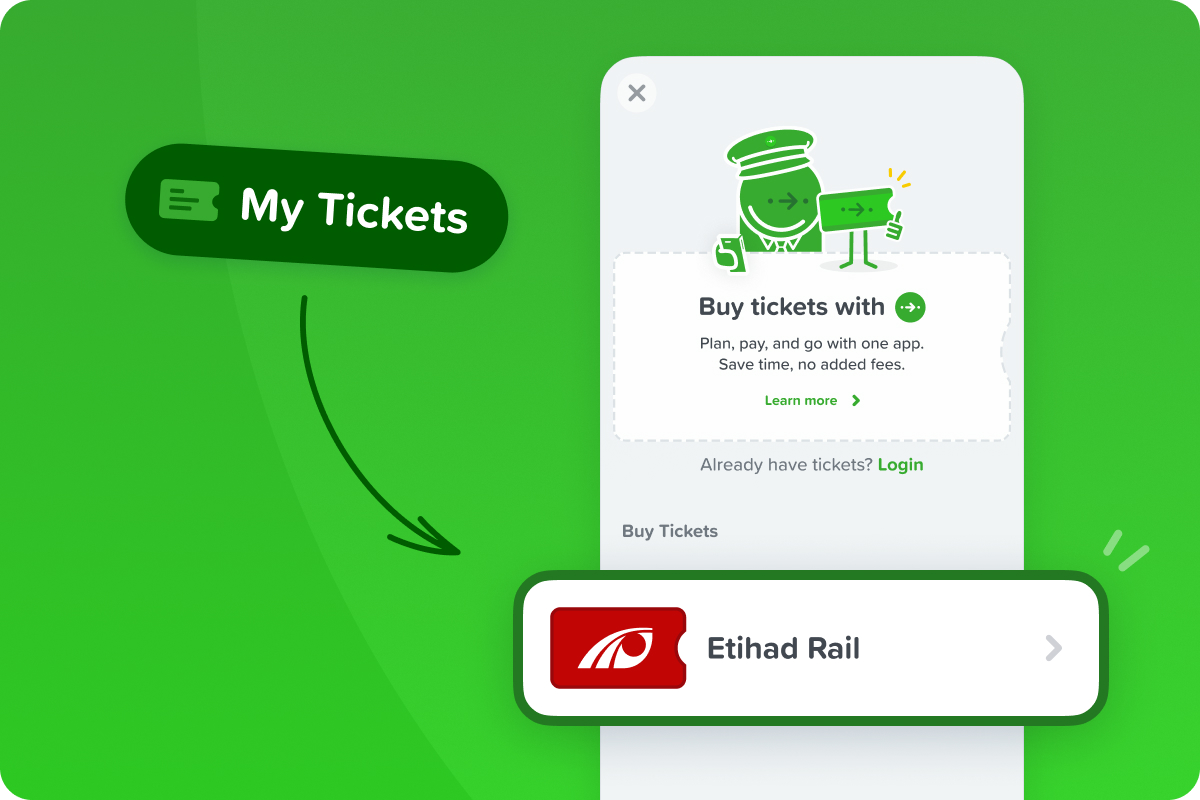
Open the ticket store
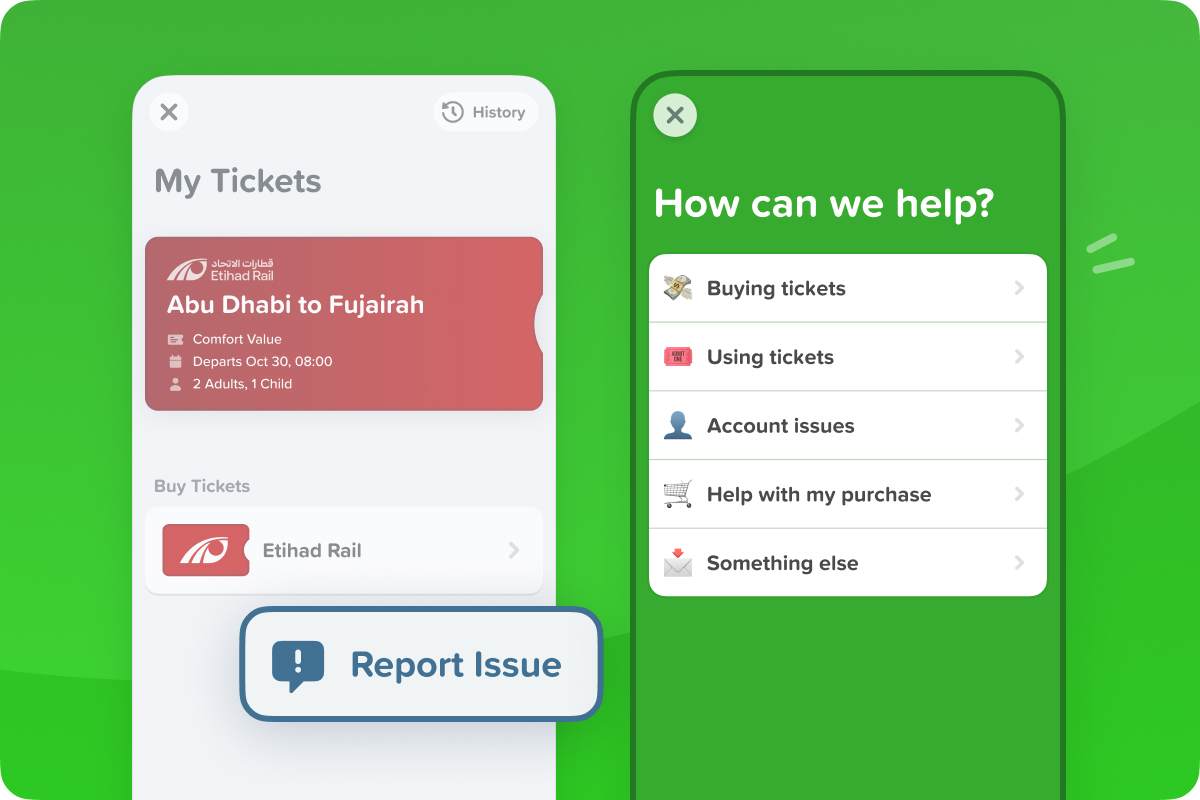
Tap the My tickets button on the homepage, then select Etihad Rail under Buy Tickets.

Buy a ticket
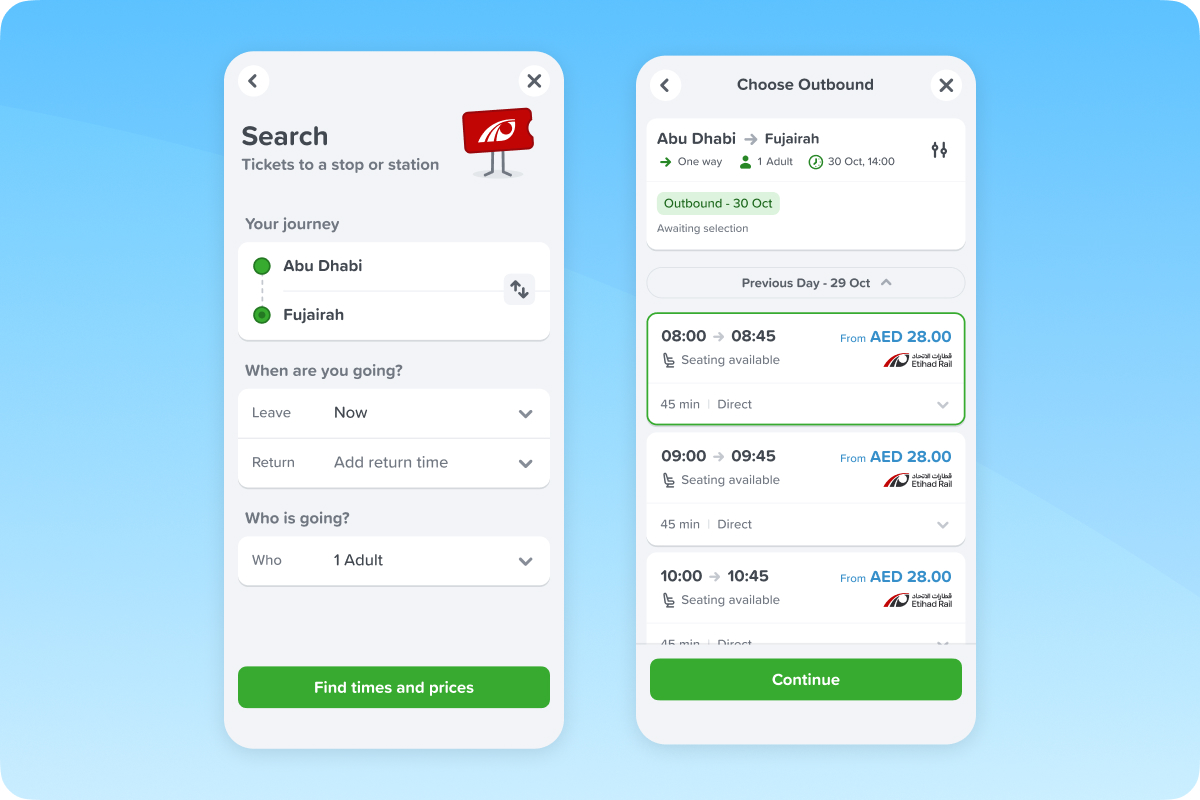
Buy a ticket Search your journey, pick a fare — Comfort or Premium Saver — and buy your ticket. Keep it safely in your Citymapper account. No account yet? You can create one for free at checkout.

Your ticket's ready
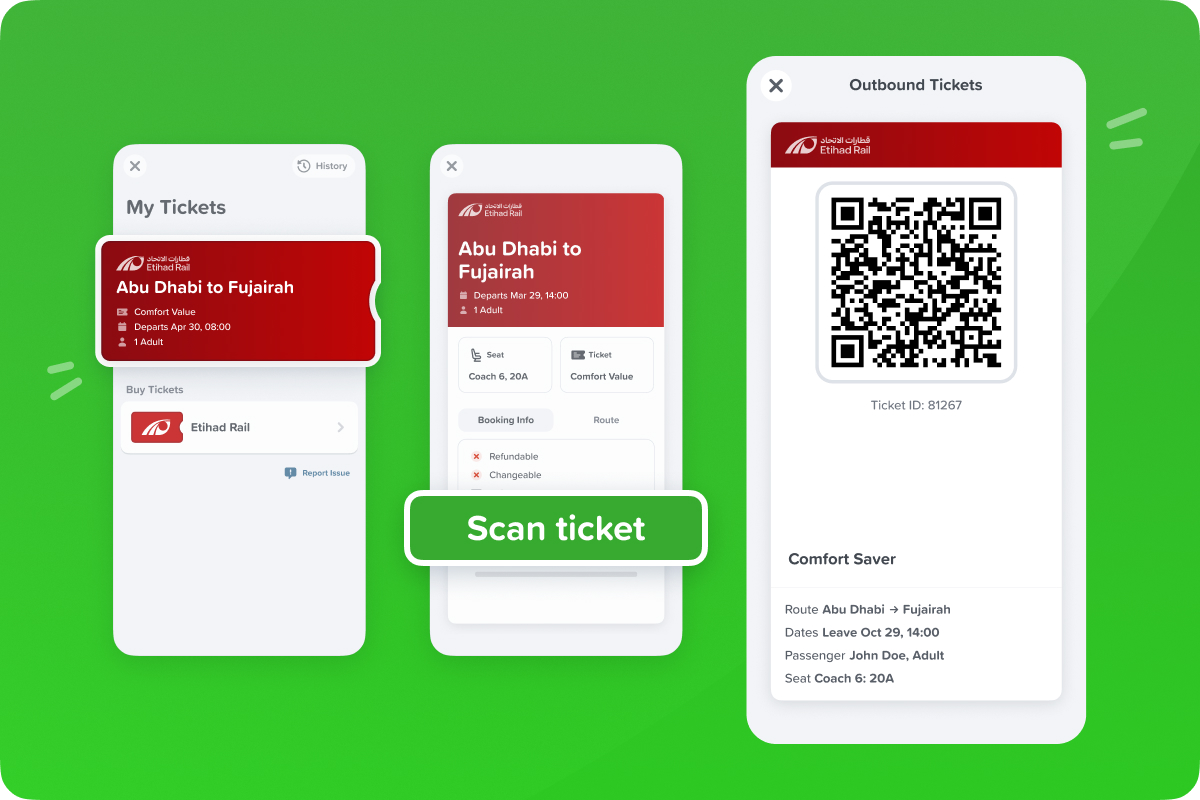
As soon as you buy, your ticket lands on My Tickets — no extra steps, nothing to activate. It's ready whenever you and your departure are.

Show your ticket
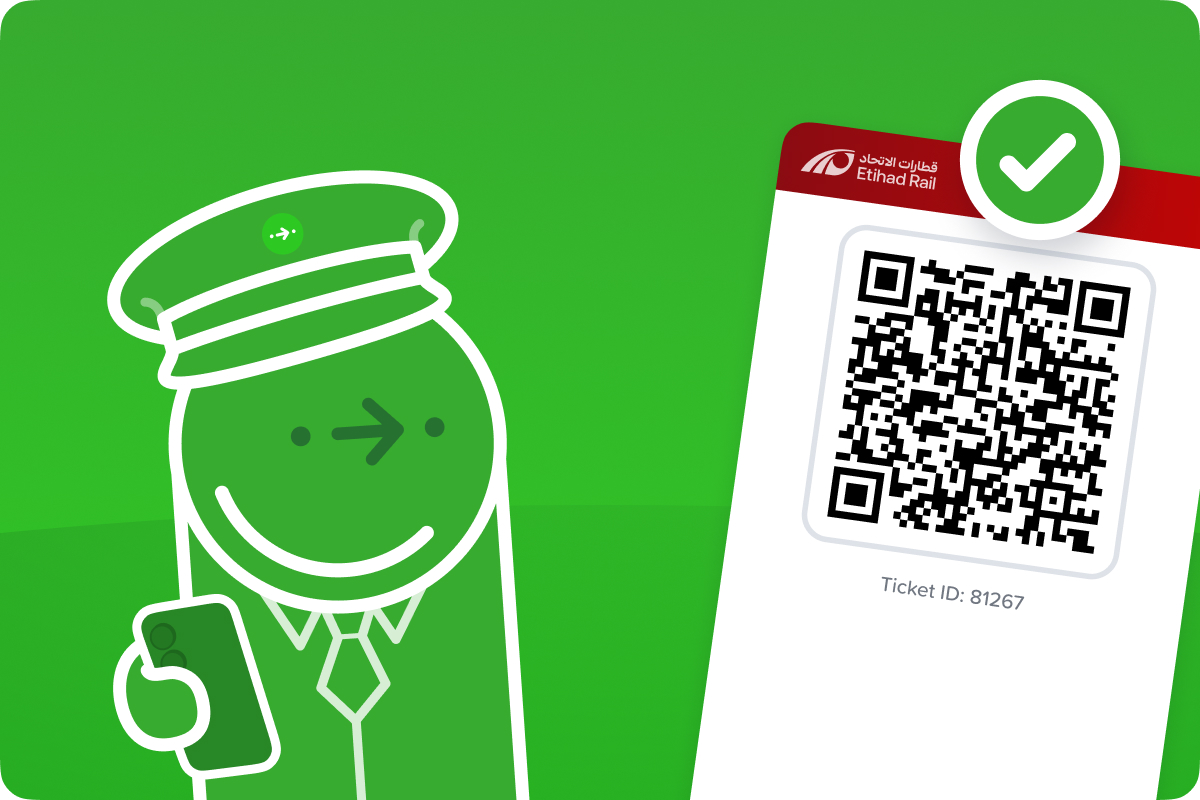
At stations, show your ticket at the gates – if there's any trouble, find somebody to help you.

Any problems, let us know
Tap Report Issue to get help or give feedback. Bought the wrong ticket, or need a refund? Tap Report Issue, then Help with my purchase.

Safe travels,
Team Citymapper 💚
